Short answer: people visiting a real estate website want to see what is available, understand each property quickly and book a viewing. Give every property its own page and make the next step obvious.
The screens below come from Enfilade Estate, our real estate template. The building, apartments and prices in it are sample content.
What the first screen should say
Say what you sell or let, and where. A strong photo of a real property does more than a slogan.
- What and where: "Apartments for sale in the old town and along the river."
- Proof: how many properties are available now, or your years in the area.
- One next step: "See listings" or "Book a viewing".
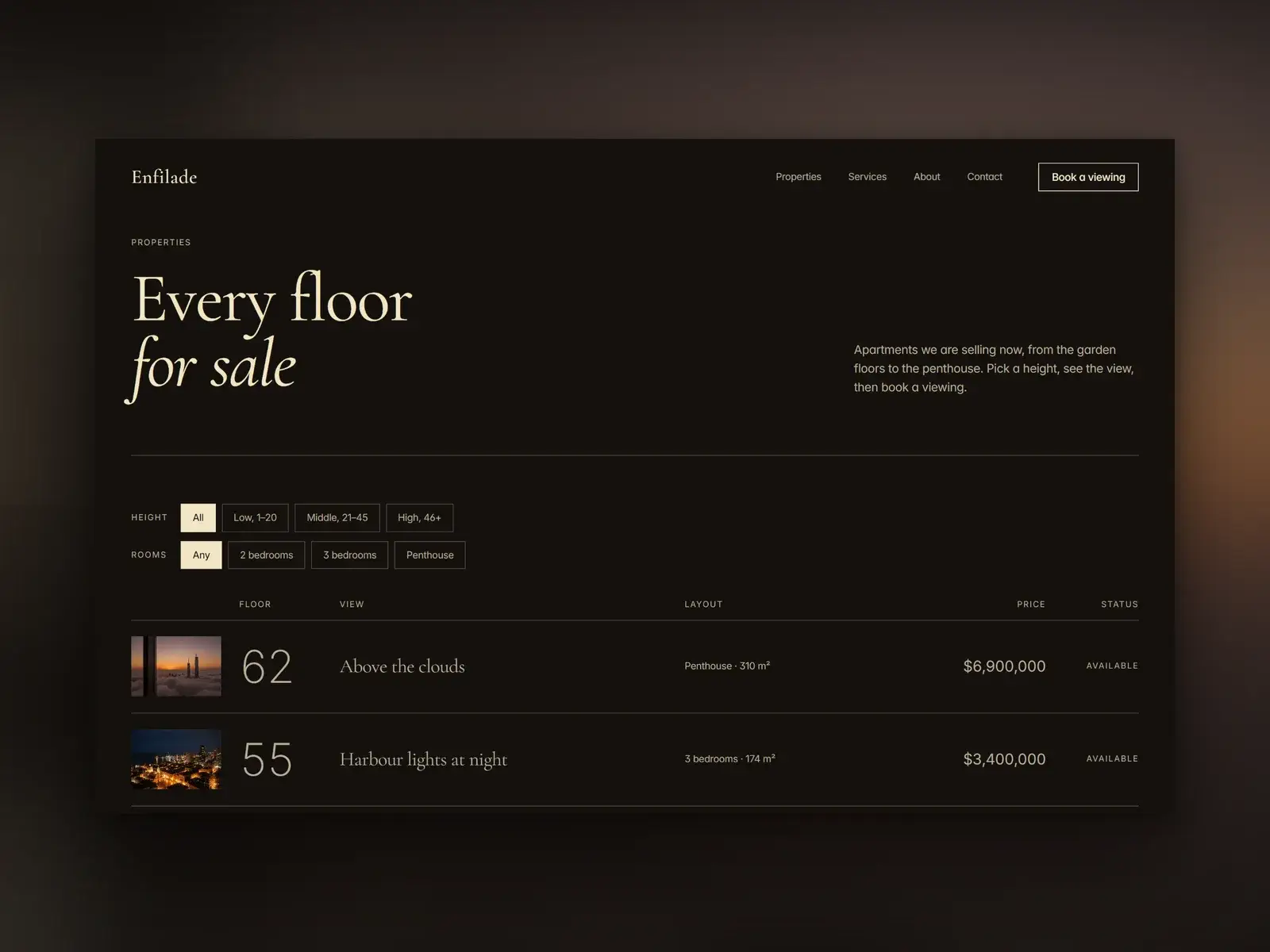
Listings people can scan
Each card needs a photo, the price, the size, the number of rooms and the area. If you have more than a dozen properties, let people filter by price and rooms.
A page for each property
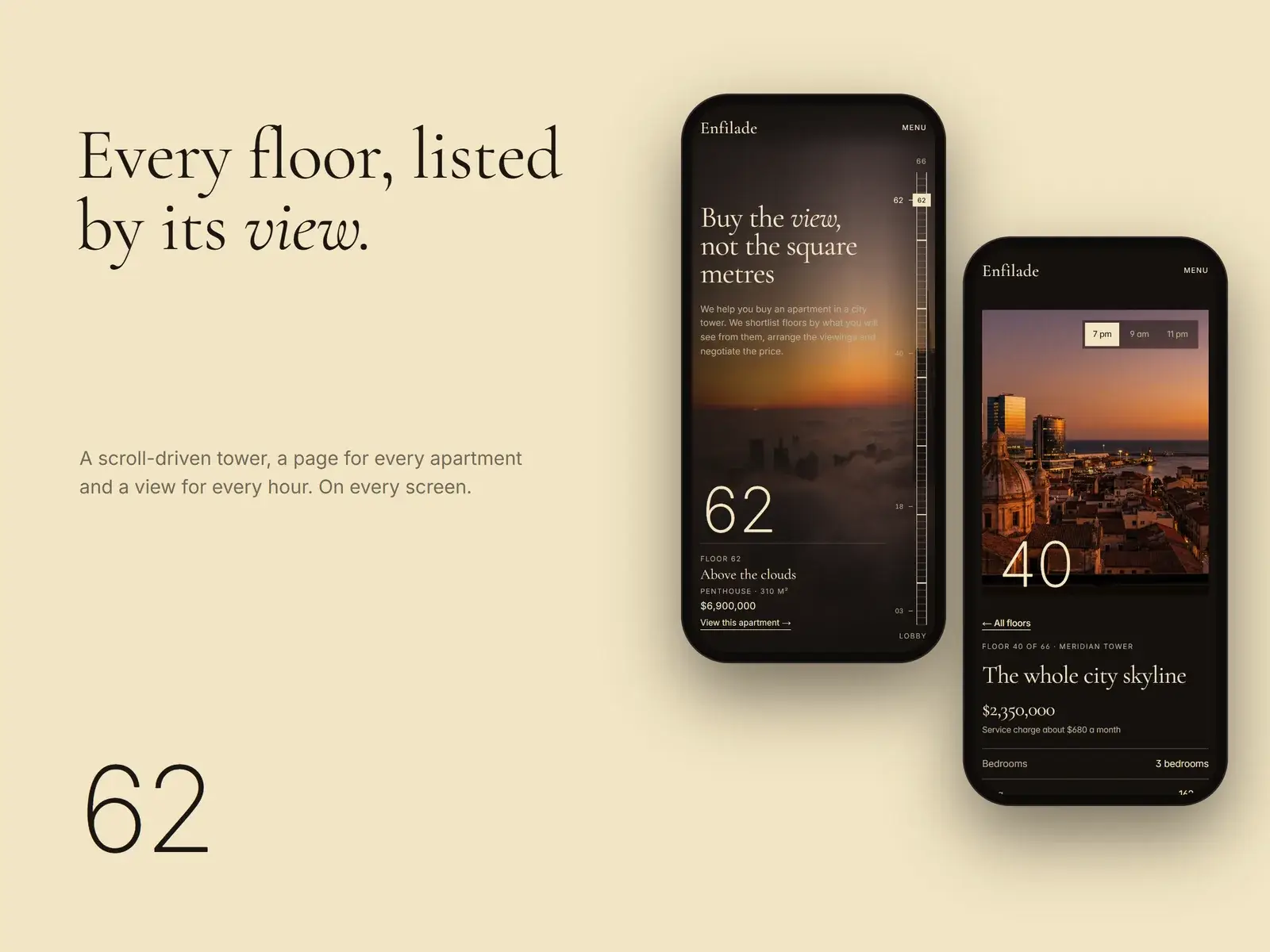
This is where people decide to call. Answer what they would ask on a viewing:
- A gallery of real photos, and a floor plan.
- Price, size, rooms, floor and any service charges.
- Location: the neighbourhood, transport and what is nearby.
- A button to book a viewing on the same page.
Mark sold or let properties clearly, or remove them. Old listings that are no longer available cost you trust.
Who you are
People buy from people. Show your team with real photos, your area, how you work with buyers and sellers, and your licence or registration where it applies.
Booking a viewing
Keep the form short: name, contact, the property and a preferred time. Say how soon you reply. Show a phone number too: many people would rather call.
Which pages you need
| Page | What it answers |
|---|---|
| Home | What do you have, and where? |
| Listings | Which properties fit my budget and needs? |
| Property | What exactly is this place, and what does it cost? |
| About | Who are you, and can I trust you? |
| Contact | How do I book a viewing? |
A journal is optional. Area guides and market notes can bring people from search and show you know the area.
Before you publish
- Open every page on a phone.
- Test the viewing form and the phone link.
- Check every price, size and status.
- Add a privacy page.
- Replace all sample properties, prices and photos.
Start from a template
Enfilade Estate is a dark, warm real estate template for apartments in city towers, with every floor listed by its view. Use it free in Framer, or get it as Astro code.