Skip to content
Vonex Design
Category01 templates

Real estate website templates.

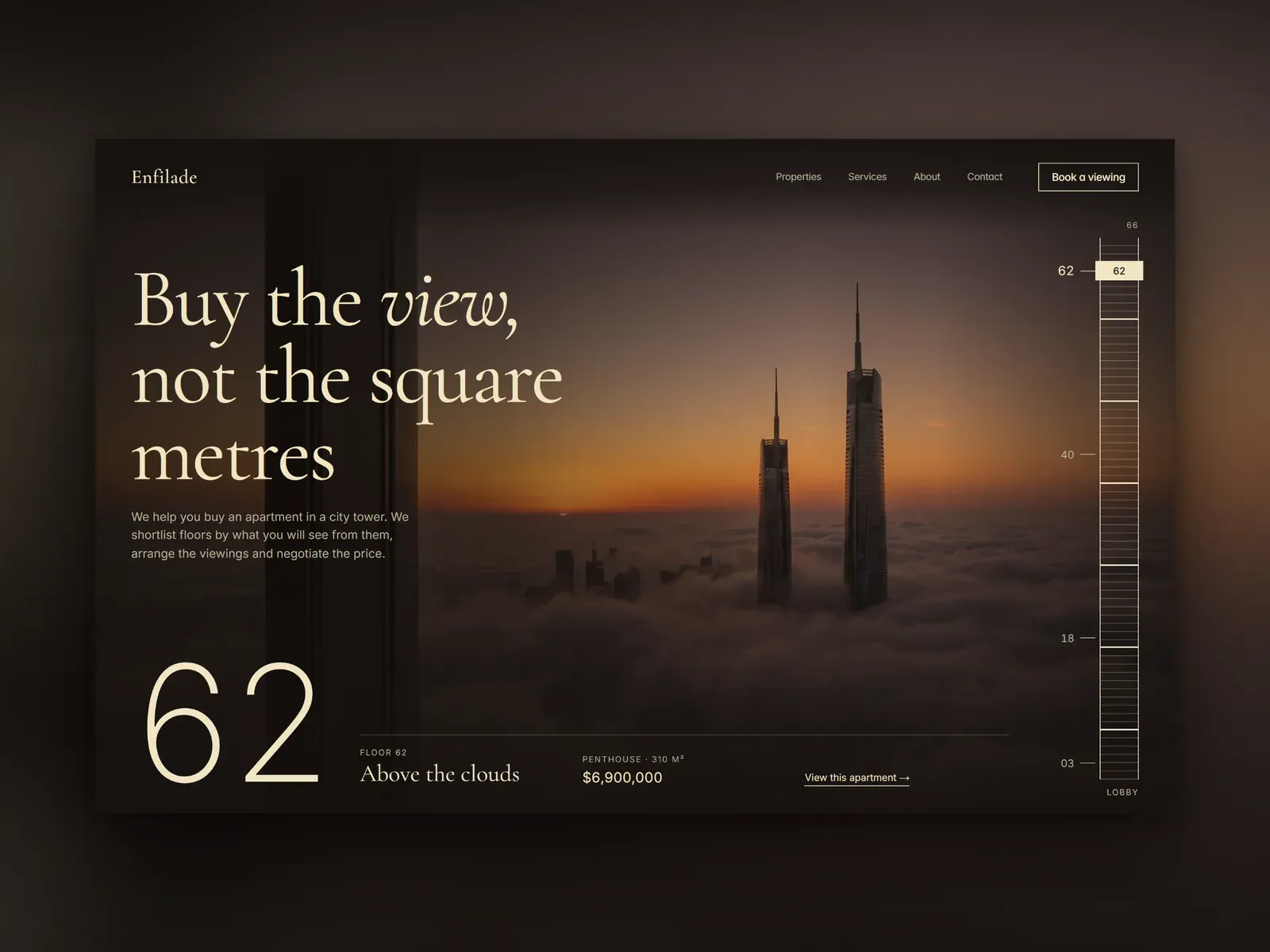
A real estate website template gives an agent, agency or developer the pages buyers look for, already designed: a list of properties, a page for each one and a way to book a viewing. You replace the sample listings and photos with your own and publish. You do not need to design anything or write code.
All templates
Pages06 pages

The pages you need.

What to put on a real estate website
  • Home

    Featured properties, who you are and one clear way to get in touch.

  • Listings

    Every property with a photo, price and key facts, easy to scan.

  • Property

    A page for each one: gallery, plan, size, price, location and features.

  • About

    Your agency, your area and how you work with buyers and sellers.

  • Contact

    A form to book a viewing, your office address and phone.

  • Journal

    Optional. Area guides and market notes that bring people back.

Options

Ways to build it.

  • Framer template

    You edit everything in the browser, with a CMS for listings. Hosting comes with a Framer plan.

  • Astro code

    A static site you host anywhere, with no platform fee, where a template has a code version. You or a developer edit the files.

  • General website builder

    Many layouts, few made for property. You plan the listing pages yourself.

  • Property portal page

    Portals show your listings next to everyone else's. Good for reach, with no brand of your own.

FAQ

Questions.

What should a real estate website include?

A list of properties with prices and photos, a page for each one, who you are and an easy way to book a viewing.

Can I add new properties later?

Yes, in templates with a CMS. Each property is an item, and its page and list entry follow the template design.

Do I need to know code?

Not for Framer: you change text, photos and listings in a visual editor. An Astro code version, where a template has one, is for people who work with files or have a developer.