The Framer CMS keeps repeating content, like projects, blog posts or team members, in tables instead of on the page. You add a row, and the site shows it in the right place with the right design. It is how a template stays tidy when your portfolio grows from three projects to thirty.
Four words to know
- Collection: one kind of content, such as Projects. A template can have several.
- Item: one entry in a collection, such as one project.
- Field: one piece of an item: title, image, text, date, link and so on.
- CMS page: the one design used for every item's own page, such as /work/my-project.
Lists of items on normal pages, such as the grid of projects on Work, are filled from a collection too. You set how many to show, in which order and with which filter.
Add a project or a post
- Open the CMS. In your Framer project, open the CMS panel. Each collection the template uses is listed there, for example Projects or Blog.
- Open a collection. A collection is a table: each row is an item (one project, one post), each column a field (title, cover, text, date).
- Replace a sample item. Click a sample item and change its fields. Start by editing one item and check how it looks on the site before you do the rest.
- Add your own items. Add a new item and fill every field. Its page is created from the CMS page design, so it matches the others.
- Delete the samples. Remove the sample items you do not use, so no placeholder reaches the live site.
- Publish. Publish the site. New and changed items go live with it.
Tips that save time
- Keep images the same shape. Covers with the same aspect ratio keep grids even.
- Write the slug yourself. The slug is the item's address. Short and readable is better for people and search.
- Fill the SEO fields if the template has them, so each item gets its own title and description in search.
- Import from a spreadsheet. Moving many items from another tool? Collections can be filled from a CSV file.
Plan limits
CMS limits depend on the Framer plan of the published site. On November 3, 2026: Basic allows 2 collections and 1,000 items, Pro 10 collections and 2,500 items. You can build with more on the free plan, and only hit the limit when you publish on a paid plan. Details are in Framer pricing explained.
The CMS in our templates
- Ethan Walker: Projects, Services and Privacy Policy. Step-by-step in the portfolio walkthrough.
- Softic Studio: Projects and Team.
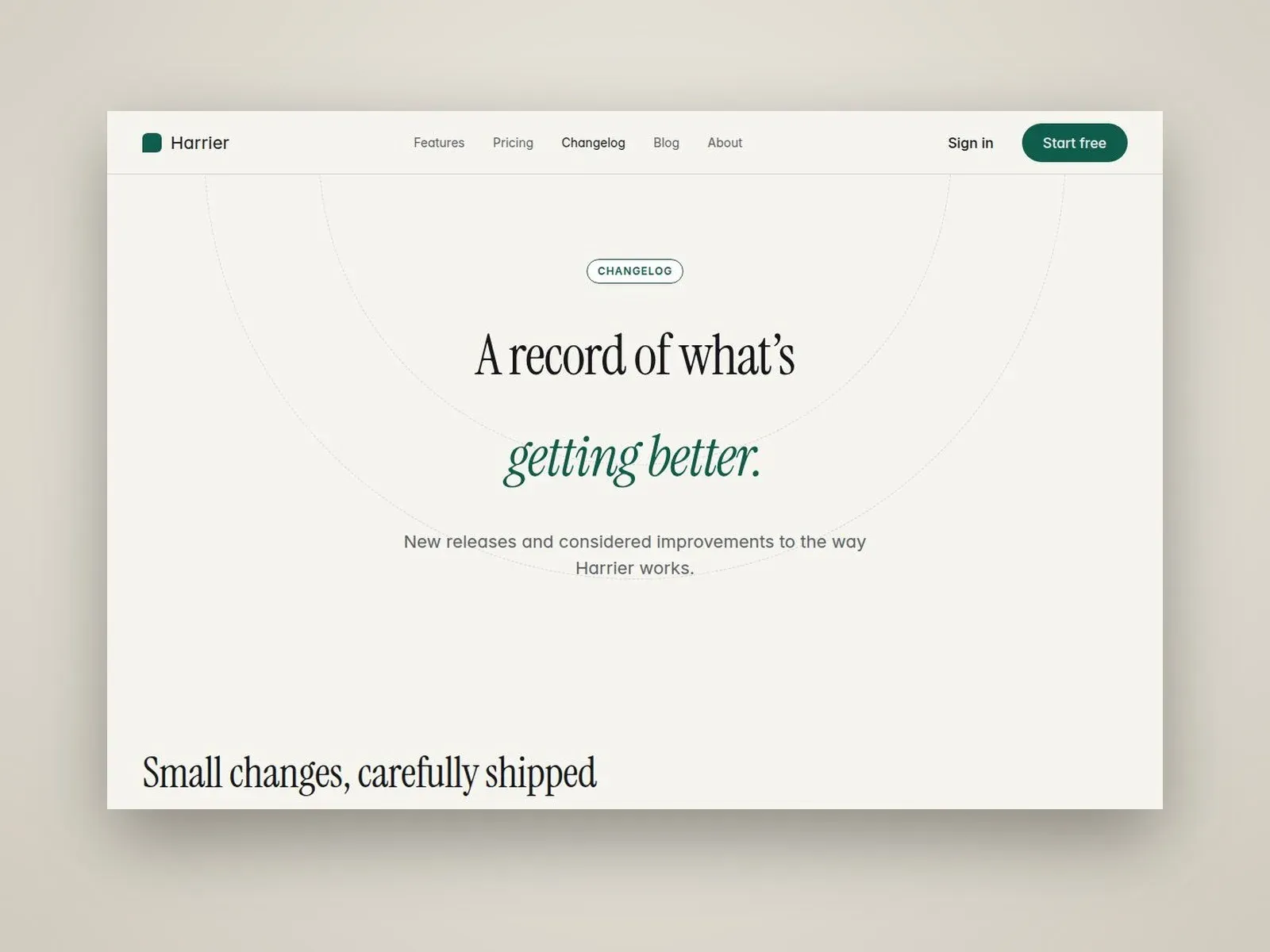
- Harrier: Blog and Changelog.
- Alpine App has no CMS: everything is edited on the page.