Replace the sample blog posts, release notes and plan details with your own. Check that your Framer plan covers the CMS collections before you publish.
Free Framer AI & SaaS template
Harrier
Calm AI and SaaS website template
About
AI & SaaS template for Framer
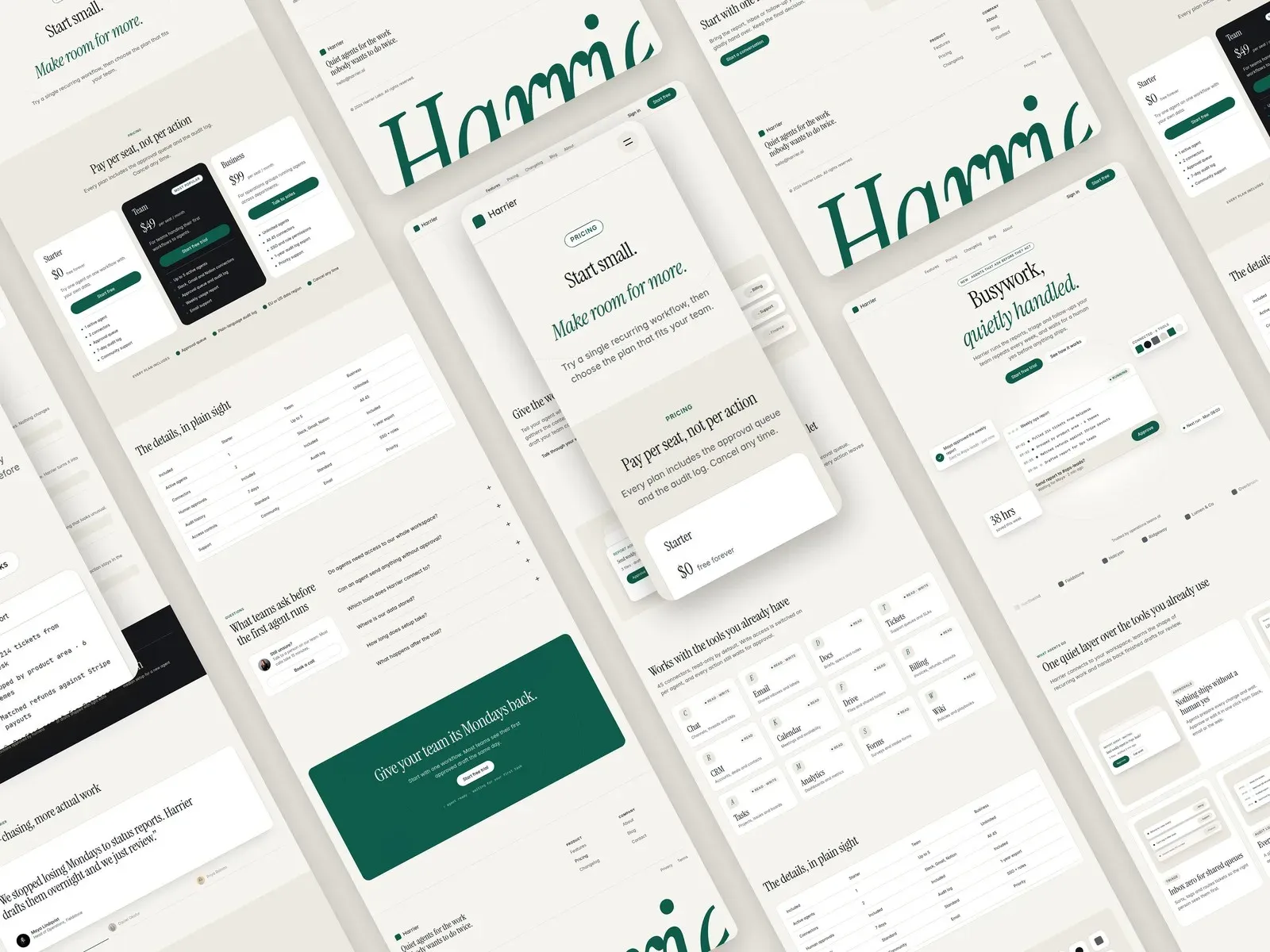
Explain what your software does, how it works and what changes over time. Harrier brings product features, plan comparisons, a CMS blog and a changelog into a calm editorial website.
- Pages
- 10
- CMS
- Yes
- Formats
- Framer, Astro
- Updated
- Nov 2026
About
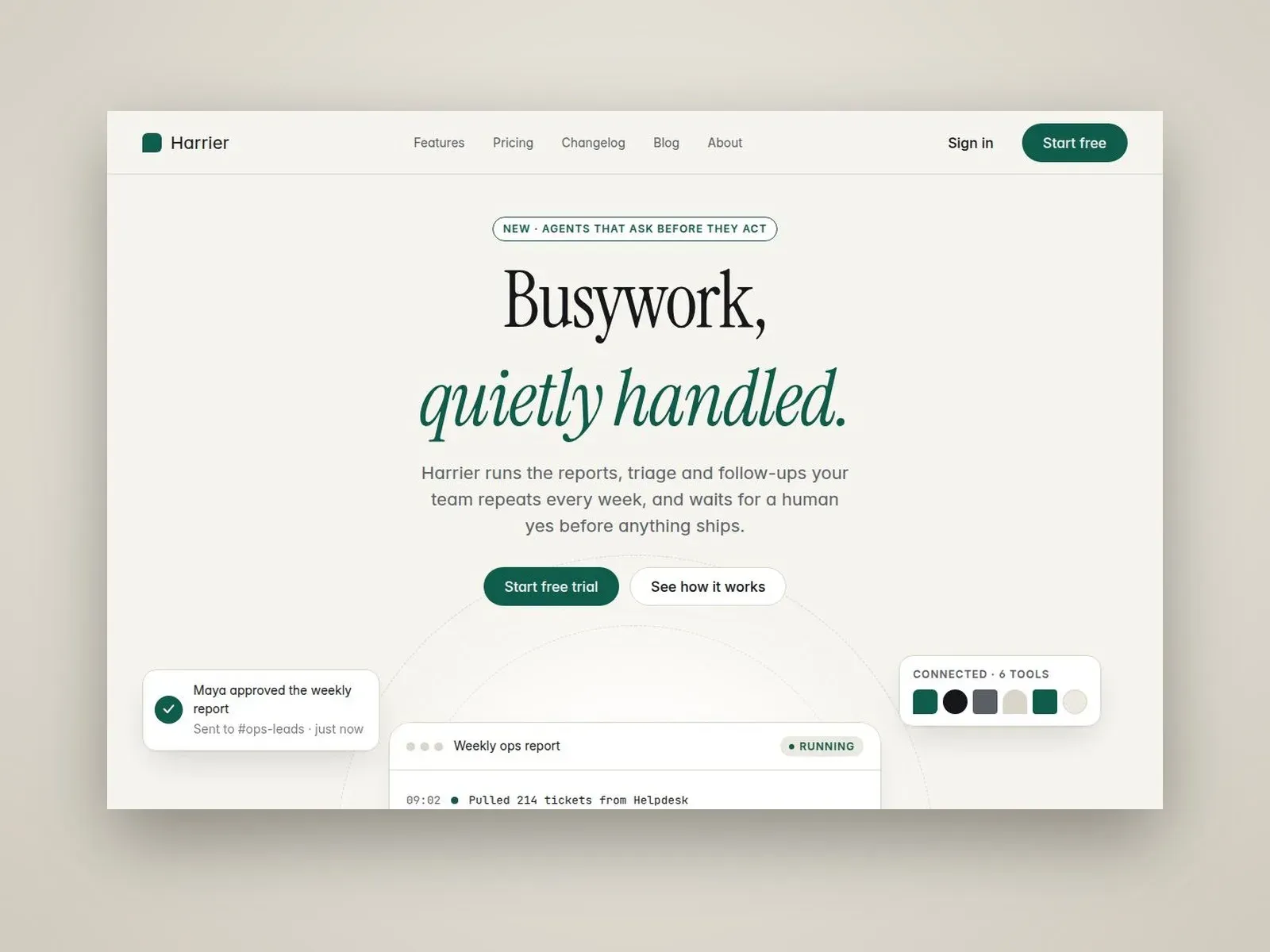
Harrier is a free AI and SaaS website template for Framer, made for startups, automation tools and agent platforms. It earns trust with a calm, editorial look instead of loud gradients.
Serif headlines, a warm paper palette and native interface illustrations present your product clearly. An animated agent window opens the page, and a blog and changelog keep your site current after launch.
Why Harrier
A full product website
Features, Pricing, About, Blog, Changelog and Contact pages are included, so you can launch more than a single landing page.
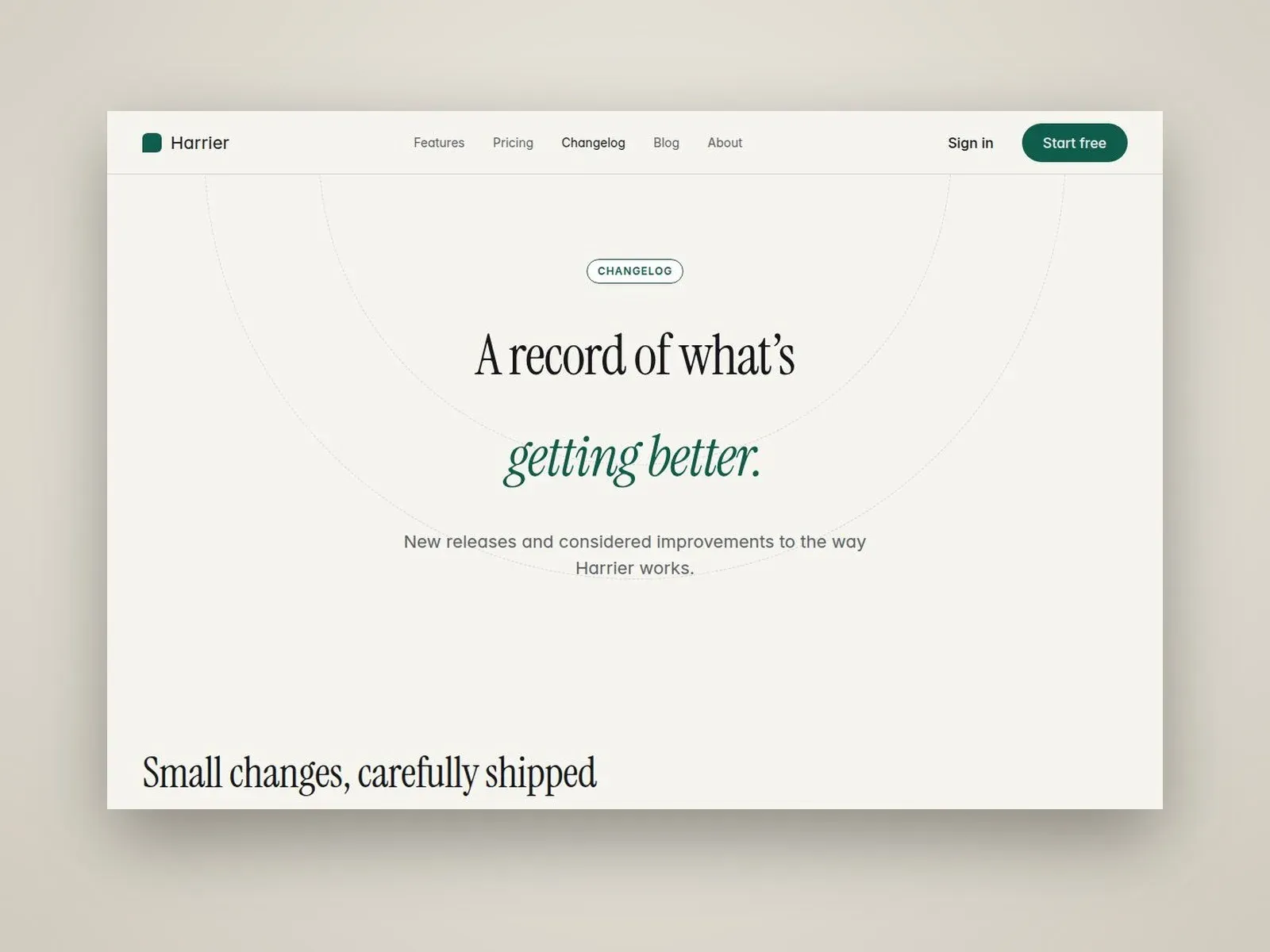
Blog and changelog in the CMS
Publish articles and release notes with Framer CMS. Detail pages and their SEO fields fill in automatically.
Clear pricing
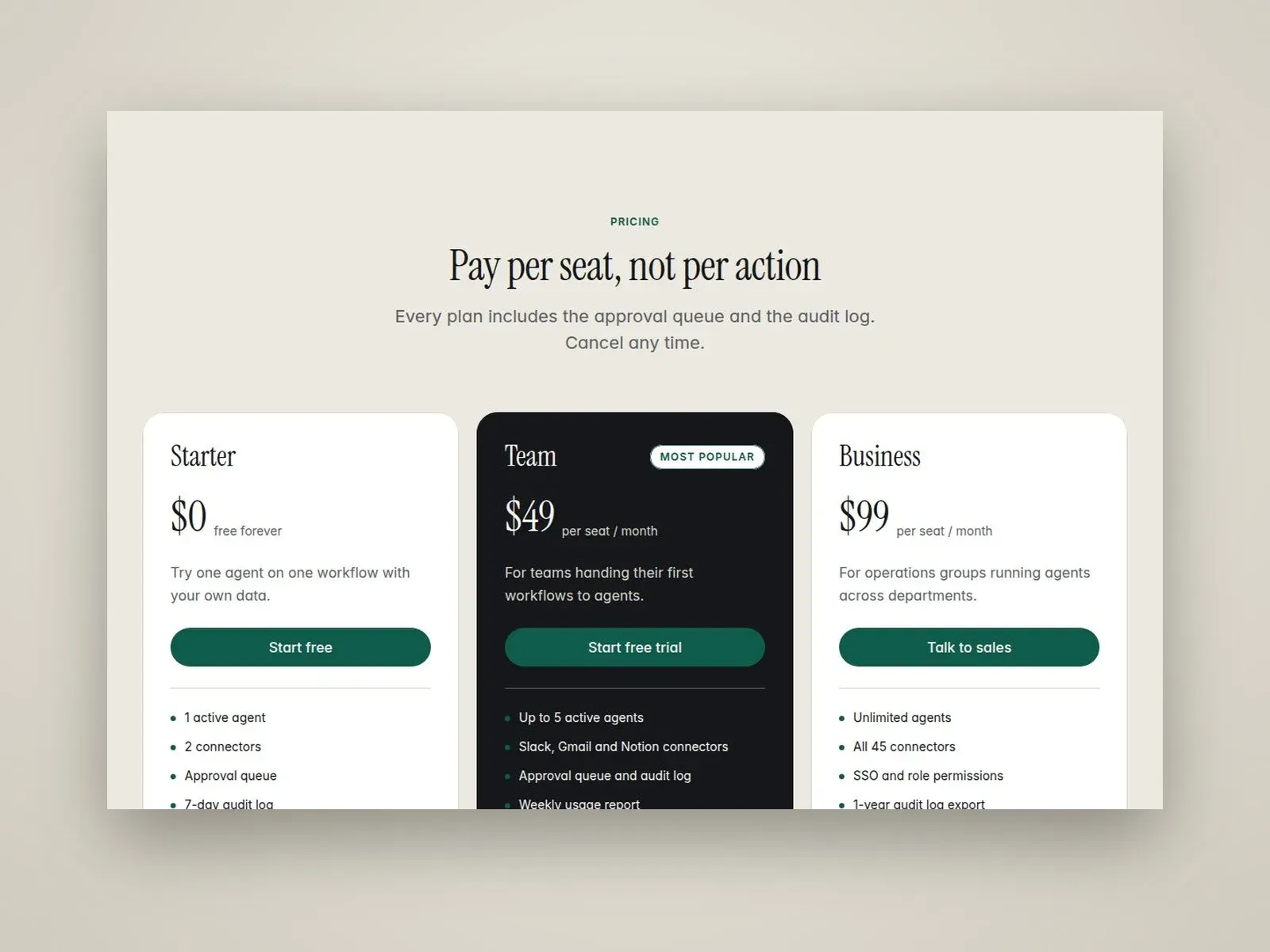
A plan comparison table helps visitors see what each plan includes.
Easy setup
Global color and text styles make rebranding simple, and a Start Here guide walks you through the template.
Features
- Responsive on desktop, tablet and phone
- Animated hero with agent window and floating cards
- Auto-advancing testimonial switcher
- Bento features with native UI illustrations
- CMS Blog
- CMS Changelog
- Pricing with plan comparison table
- FAQ accordion
- Scroll and text reveal animations
- Contact form
- Global color and text styles
- Start Here setup guide
Pages Included
- Home
- Features
- Pricing
- About
- Blog
- Blog Post (CMS)
- Changelog
- Changelog Entry (CMS)
- Contact
- 404
Best For
- AI startups
- SaaS websites
- AI agent platforms
- Automation tools
- B2B software
- Product launches
Good to Know
Framer
Free
Edit the template visually, with no code, and publish it from Framer.
Astro code
$19
Prefer not to use Framer? Harrier also comes as a clean Astro and Tailwind CSS project: the same design, on phone, tablet and desktop, as code you own and host anywhere. It closely follows the Framer design. The README lists the few known differences.
- Every text, link and price in one file, so you edit content without touching the layout
- Static build: no framework runtime, deploys to Cloudflare, Netlify, Vercel or your own server
- README with setup and deploy steps, license and changelog included
Before you publish
Prepare your product screenshots, feature explanations and plan details. Replace the sample blog posts and release notes, then check your CMS needs against your Framer plan.
The free Framer plan publishes on a framer.website address. Your own domain needs a paid site plan, from Basic: see Framer plans, or compare them in Framer pricing explained.
Step by step, with costs: how to use a Framer template. Questions about this template? Write to the author.
Built with Framer
Style
- Light
- Modern
- Minimal
Support
If you have questions about using or customizing the template, write to ponslookdesign@gmail.com or X.