A product site has one job: explain what the product does and get a sign-up or a download. These free Framer templates are built for that. Two are ours, and we say so; the rest are by other creators and were free on Framer Marketplace on November 3, 2026.
What a launch page needs
- A headline that says what the product does, and one clear action.
- Real screenshots or a short screen recording.
- Pricing, even if it is "free while in beta".
- For apps: store links, and the support and privacy pages app stores ask for.
1. Harrier (ours)
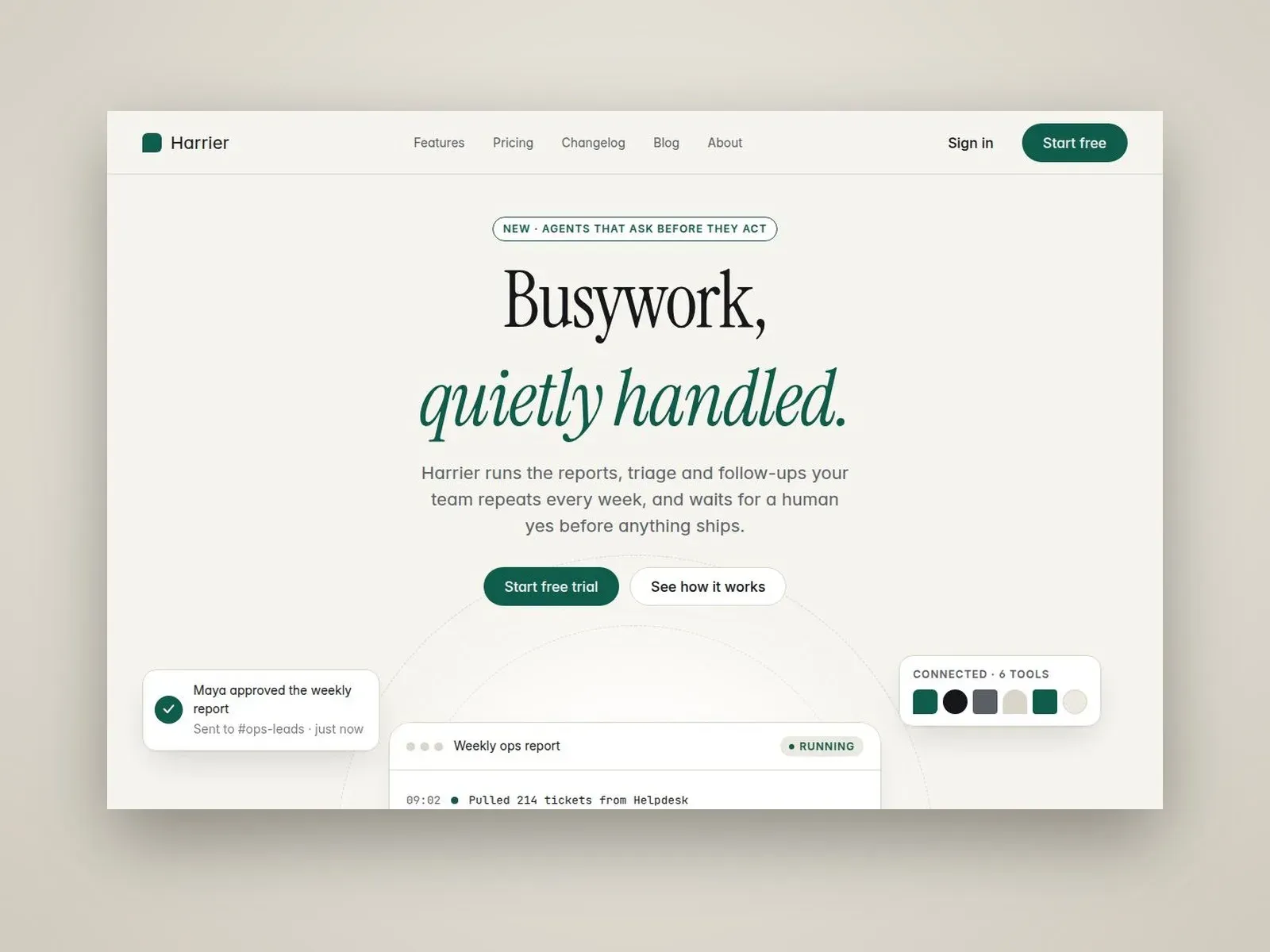
An editorial site for AI and SaaS products, with features, plan comparison, a CMS blog and a changelog.
Best for: software that ships updates and wants to show them.
2. Alpine App (ours)
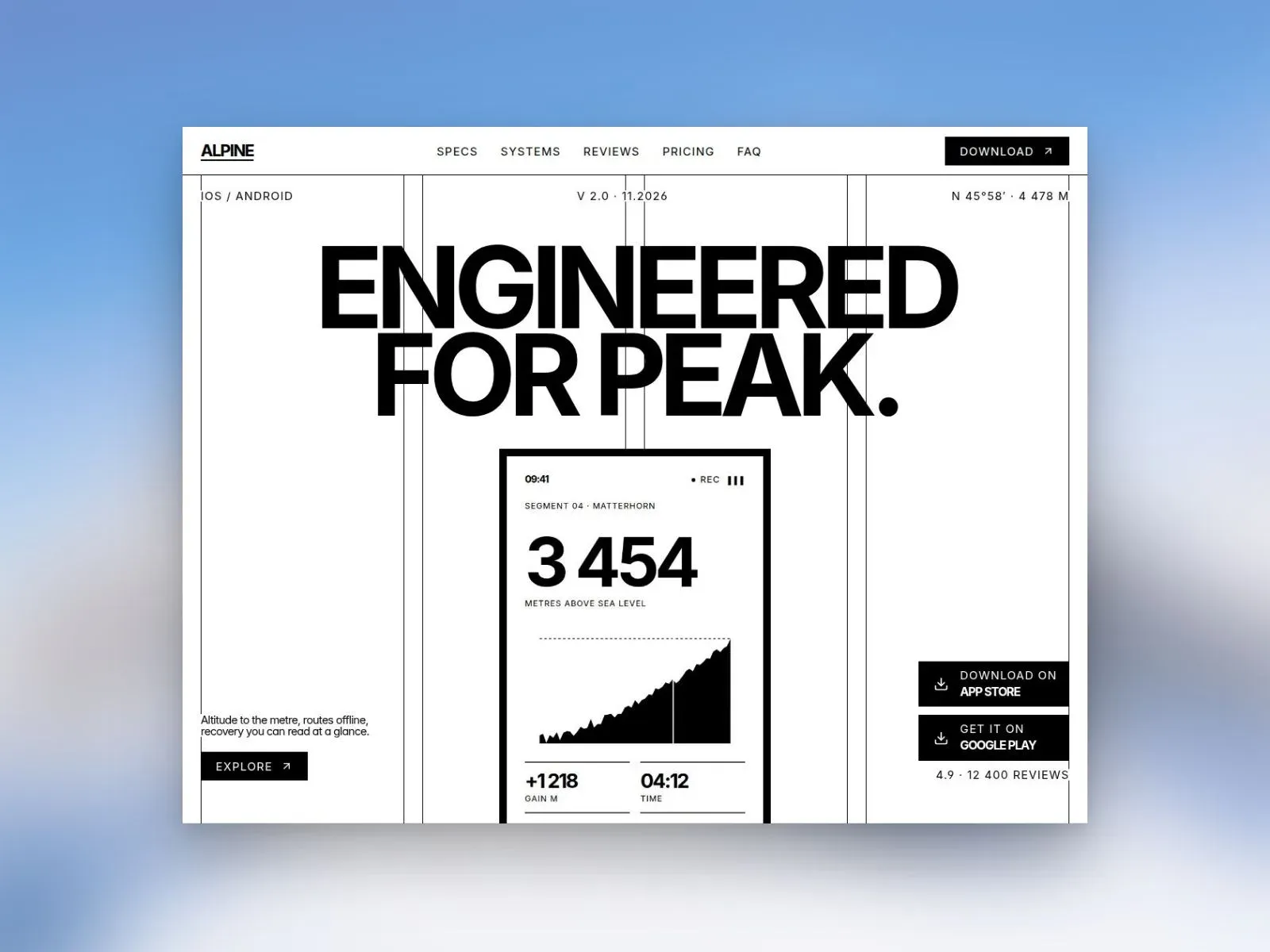
A monochrome app landing page with a phone preview, store buttons, a Free/Pro pricing table, and the Support and Legal pages app stores ask for.
Best for: mobile apps getting ready for App Store and Google Play.
3. Saasbright
A light, editorial SaaS site. By John Nicholson.
Best for: Products that want a calm, text-led site.
Saasbright on Framer Marketplace
4. Alytics
A SaaS landing page. By Asad Khaleel.
Best for: A single page for a product launch.
5. Kero
An AI and SaaS landing page. By Davide Pacilio.
Best for: AI tools that need one strong page.
6. Aigent
A template for AI agent and automation products. By Framer Geeks.
Best for: AI agent startups.
7. Verity
An AI automation template. By Kadir Calik.
Best for: Automation services and tools.
8. Habitline
A mobile and web app landing page. By Salim from Webestica.
Best for: Apps that run on phone and web.
Habitline on Framer Marketplace
9. AppNext
A SaaS and mobile app template. By Naveed Shah.
Best for: Products with an app and a web dashboard.
10. Swift App
A mobile app landing page. By Yousef Osman.
Best for: Health and lifestyle apps.
Swift App on Framer Marketplace
11. Stash
A mobile app waitlist page. By Berci Hazman.
Best for: Apps that are not out yet.
12. Glow
A fintech mobile app landing page. By Offset UI.
Best for: Finance and payment apps.
How to choose
- One page or several? A new product often needs one page. Add a blog and changelog once you ship regularly.
- Check the CMS. A blog or changelog lives in the CMS; it affects which Framer plan you need. See Framer pricing explained.
- Try it with your screenshots. A template that looks great with sample art may not suit your product's UI.