Skip to content
Vonex Design

Oktave: Framer Agency Website template

Agency template, agent-ready

About

Agency Website template for Framer

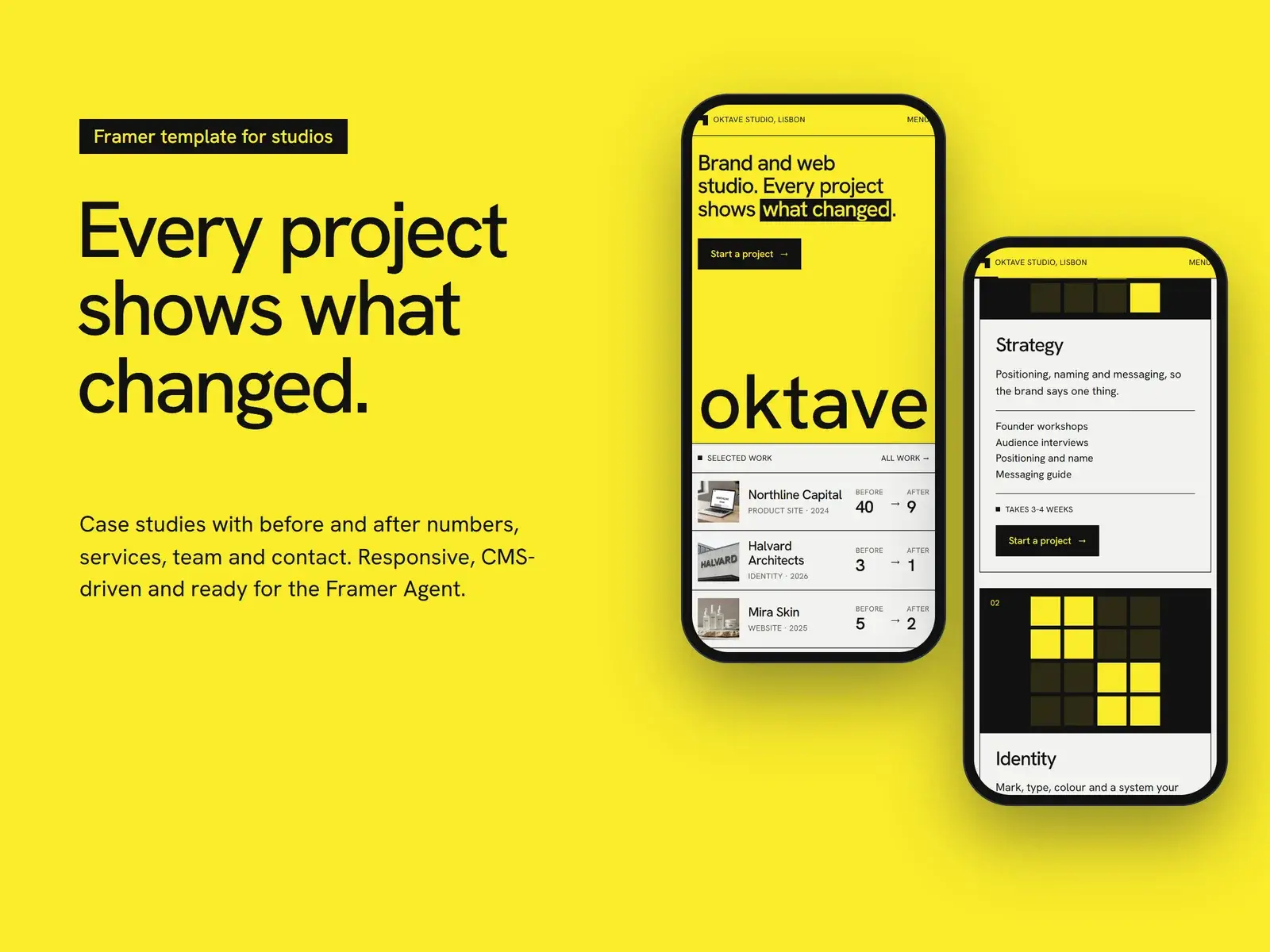
A studio site where every project carries one real number, what the client had and what they have now. Yellow plates, a project-list hero and case pages that start with what changed. Oktave comes ready for AI agents, in Framer and as code.

Framer

$39

  • Edit visually, no code
  • Framer Agent skills built in
  • Hosted by Framer, free to start
Buy for Framer

Code

$39

  • Astro and Tailwind CSS, content in one file
  • Agent Kit for Claude Code, Codex and Cursor
  • Free hosting on Netlify or Cloudflare
Buy code · $39
Pages
09
CMS
Yes
Formats
Framer, Code
AI agents
Ready
Updated
Nov 2026
Oktave template, preview 2
Screen 02
Oktave template, preview 3
Screen 03
How to use Oktave

About

Oktave is a template for brand and web studios that sell results, not moodboards. Every project carries one real number, what the client had and what they have now, so a visitor sees what changed before reading the case study.

Why Oktave

Built for studios

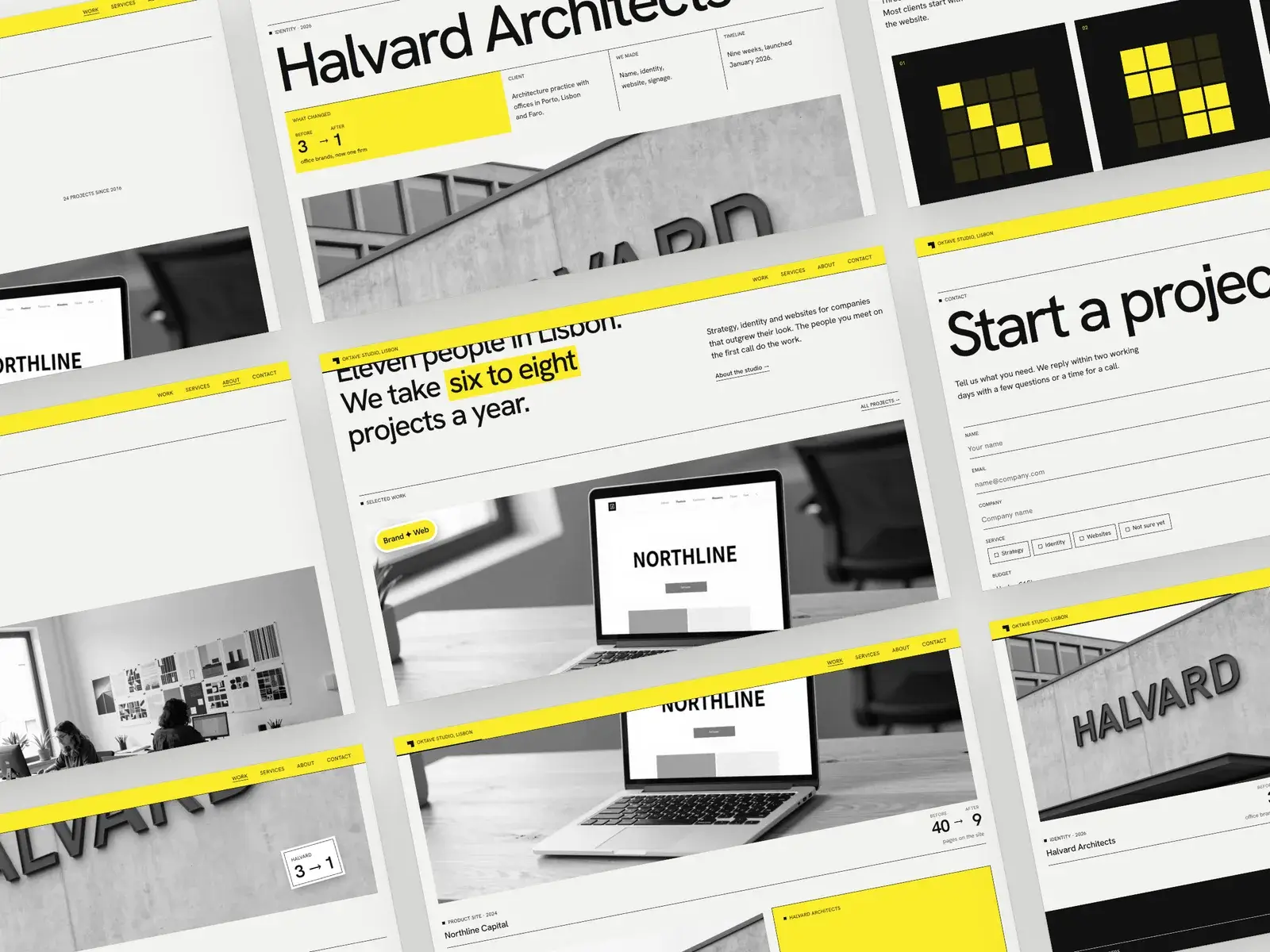
Case pages follow one pattern: what changed, the client, what we made, the timeline, the story and the gallery.

Ready for the Framer Agent

A /design-system page and six skills let the agent make the site yours, build new pages in the same style and check it before launch.

Built to be edited

Texts and photos change in the right panel, projects and services live in the CMS, and a Read Me page explains the rest.
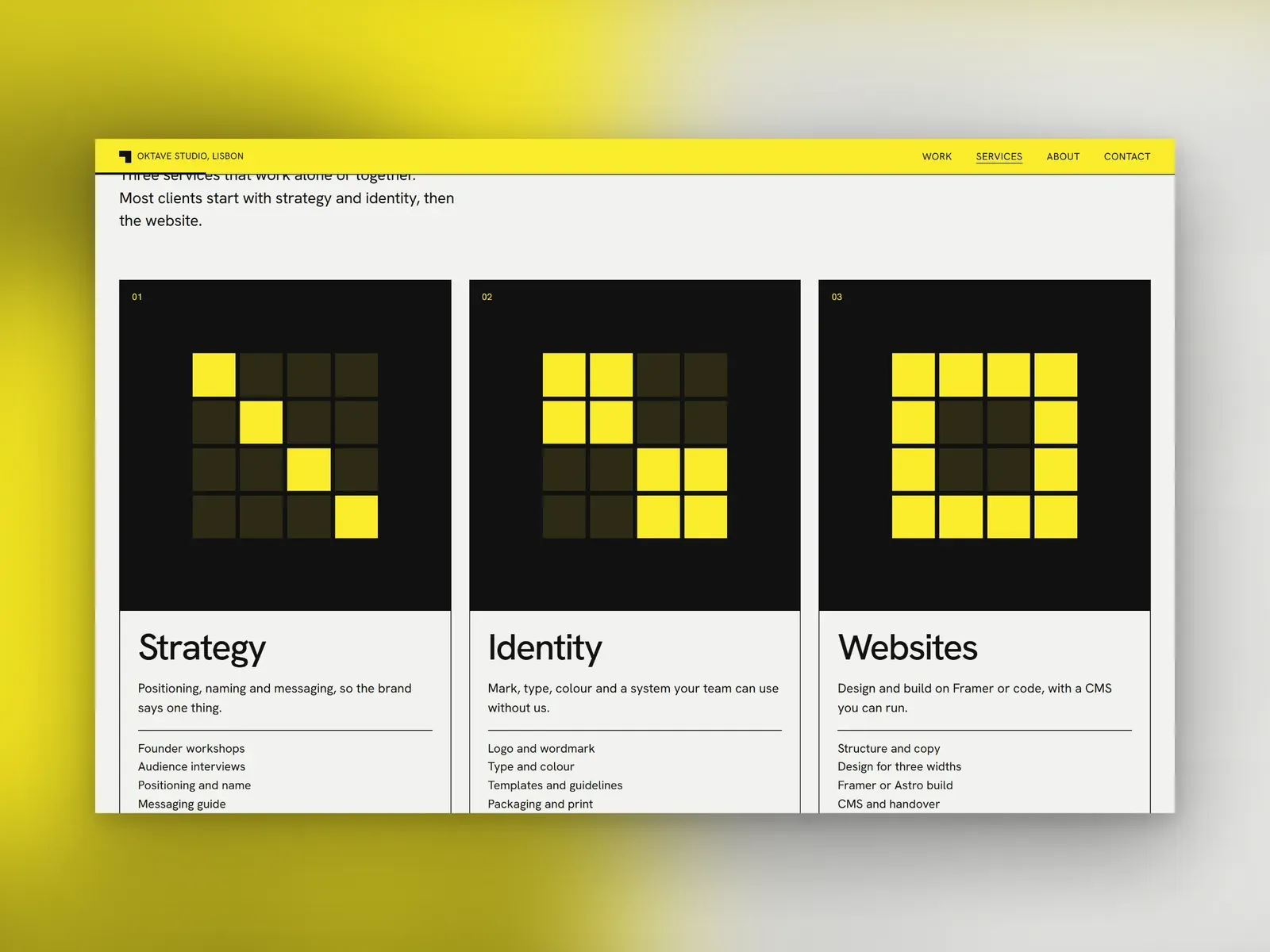
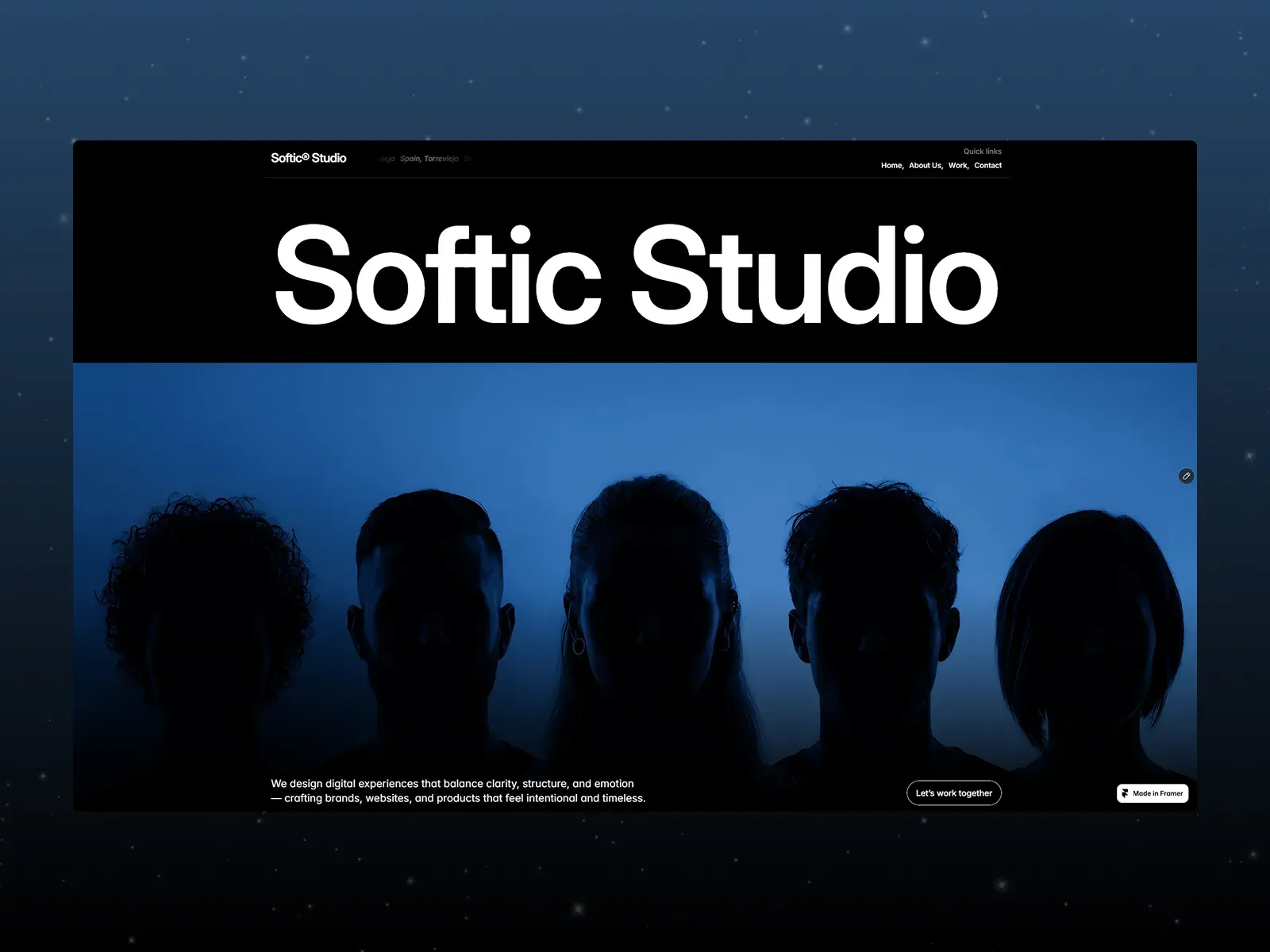
Features

  • Responsive on desktop, tablet and phone
  • Projects CMS with a before → after number
  • Project-list hero with photos on hover
  • Photos that open with yellow strips
  • Contact form with service chips
  • Draggable stickers

Pages Included

  1. Home
  2. Work
  3. Case study (CMS)
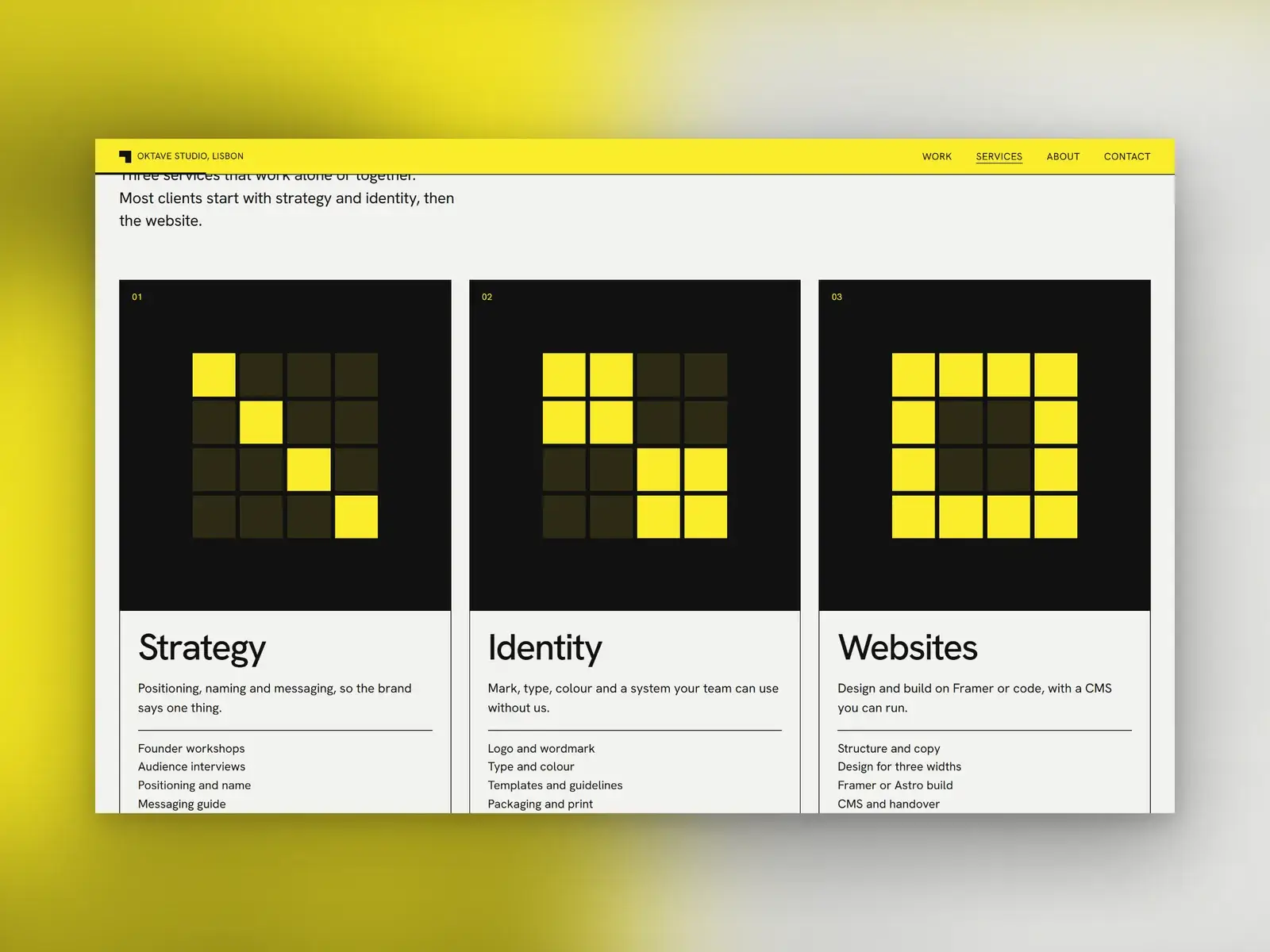
  4. Services
  5. About
  6. Contact
  7. Privacy
  8. Terms
  9. 404

Best For

  • Brand and web design studios
  • Small branding agencies
  • Product and packaging studios

Good to Know

Every photo is generated and shows people and brands that do not exist: replace them with yours. Connect the contact form under Send to before publishing.

Choose your format

The same Oktave, in Framer or as code.

The site is already built. Your AI agent makes it yours.

  1. 01 Buy
  2. 02 Open in your AI
  3. 03 Tell it about you
  4. 04 Publish
How it works, step by step

Framer

$39

Edit
Visually in Framer, no code
AI agent
Framer Agent, with a /design-system page and skills in the project
Hosting
Framer. Free on a framer.website address
Running costs
A Framer site plan for your own domain

First request

/personalize Put my business into this site.

Code

$39

Edit
Astro and Tailwind CSS. Content in one file
AI agent
Claude Code, Codex or Cursor, with AGENTS.md, DESIGN.md and skills in the zip
Hosting
Netlify or Cloudflare free plans, or your own server
Running costs
A domain, about $10–15 a year

First request

Use the start skill to make this site mine.

Agent Kit · the same skills in both formats

  • /design-systemNew pages and sections in the template’s own style
  • /personalizeYour name, content, photos and brand
  • /effectsMotion and hover states
  • /launch-checkChecks before you publish
  • /seo-checkTitles, descriptions and headings

Before you publish

Prepare four to eight projects with one before and after number each, photos of the work, your services with rough timelines, the team and the email that should get enquiries. Connect the contact form before you publish.

The free Framer plan publishes on a framer.website address. Your own domain needs a paid site plan, from Basic: see Framer plans, or compare them in Framer pricing explained.

Step by step, with costs: from purchase to a live site. Questions about this template? Write to the author.

Built with Framer

Style

  • Modern
  • Minimal
  • Colorful

Support

Questions: ponslookdesign@gmail.com or X.

FAQ08 answers

Questions.

Is Oktave free?

Oktave is a premium Framer template and costs $39 on Contra. You can open the live preview before you buy.

How do I use Oktave?

Buy Oktave on Contra and follow the steps you get after payment to copy it into your own Framer project. There you replace the text and images, adjust the style and publish it on your domain.

Which pages are included in Oktave?

Oktave includes 9 pages: Home, Work, Case study (CMS), Services, About, Contact, Privacy, Terms, 404.

Does Oktave have a CMS?

Yes. It is built with Framer CMS (Projects CMS with a before → after number), so you can add and edit content without touching the design.

Do I need to know how to code to use Oktave?

No. Everything is edited visually in Framer: text, images, colors, fonts and layout. No code is needed.

Can I get Oktave as code instead of Framer?

Yes. Oktave also comes as a clean Astro and Tailwind CSS project with the same design, for a one-time $39. You get the source files, host them anywhere and edit all the text in one file. It is sold through Contra under the same template license. It is a digital product, so all sales are final: check the live preview before you buy.

Who is Oktave for?

Oktave works best for: Brand and web design studios, Small branding agencies, Product and packaging studios.

How do I get support for Oktave?

Write to ponslookdesign@gmail.com. Questions about using or customizing the template are welcome.

$39 on Contra

Get Oktave.

Oktave Framer template: Agency template, agent-ready
Framer · $39Buy for Framer